How to Focus Working From Home (Pomodoro at Home)
Remote work is comfortable, but with no one watching and distractions everywhere, focus falls apart easily. Set a work rhythm with Pomodoro and you can drop into focus mode without an office.
Cut the home-only distractions
At home, everything non-work is right there. Physically move temptations away first.
- Phone in ==another room==, or notifications off in a drawer
- Don’t work from bed or the sofa (drowsiness and slack)
- Chores like “laundry later” — note them and push to a break
Build an on/off switch
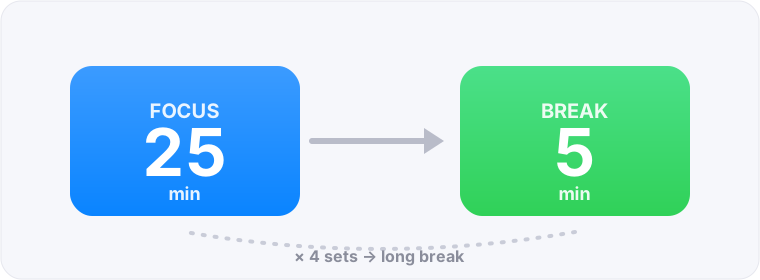
An office commute flips the switch; home has none. Make starting a 25-minute Pomodoro ==itself== the signal to begin work. Pressing the timer = entering work mode — a small ritual that beats a sluggish start.
Use the gaps between meetings
Remote days get chopped up by video calls. Treat a free 25 minutes as one Pomodoro and you avoid “it’s half a slot, I’ll do it later.” Even the spare time before a meeting moves work if you focus for one set.
On breaks, leave the screen and move
You barely move at home, so use breaks to move. On the 5-minute break, stand up, stretch, get water, look out the window. Breaks spent staring at the screen rest neither brain nor eyes. Step away and focus lasts into the afternoon.
Make the work you did visible
At home, “did I really work today?” gets fuzzy. With FocusBlock, focused time stacks up as blocks, so at day’s end “this is how much I focused” is clear. That sense of control carries into the next day.
FAQ about focusing at home
I just slack off at home.
Physically distance temptations (phone in another room, no working from bed) and build a switch: “pressing the timer = starting work.”
Too many meetings to focus.
Use a free 25 minutes as one Pomodoro. Even chopped-up time moves work more than leaving it half-done.
Working from home, I feel like I did nothing.
Use a tool where focused time visibly stacks up. At day’s end your achievement is visible, giving a real sense of self-management.